BIOS
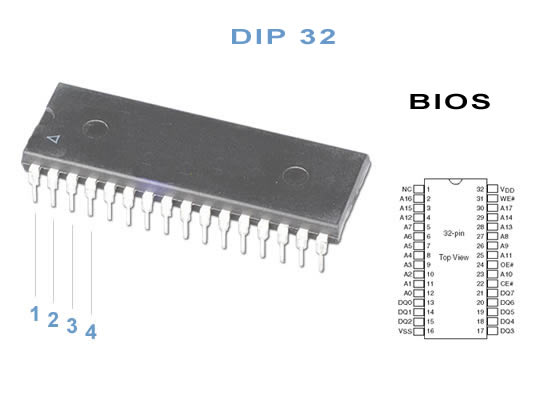
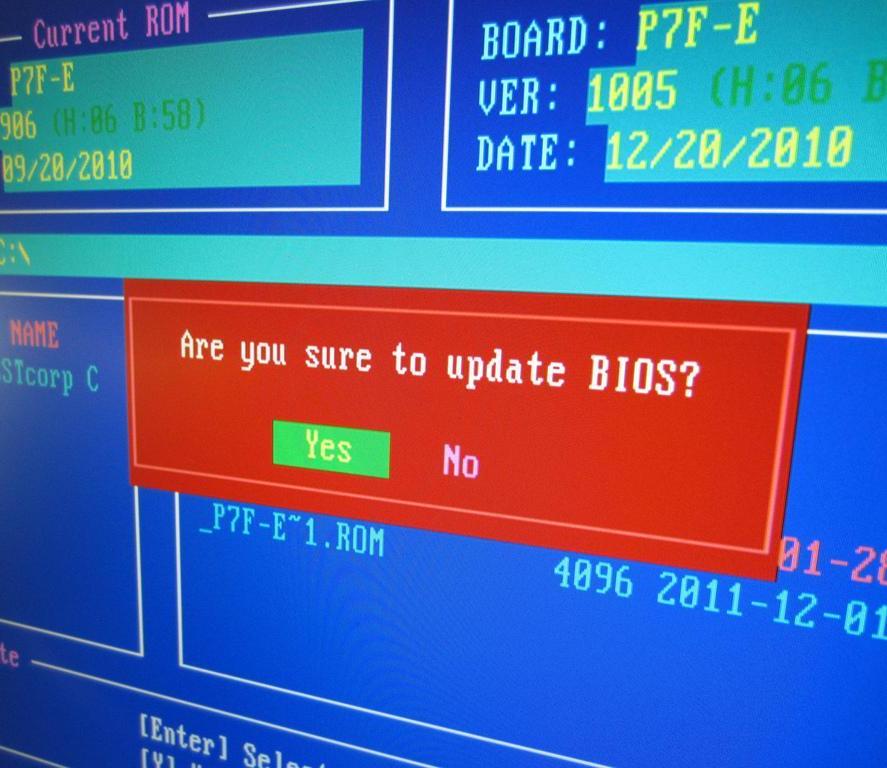
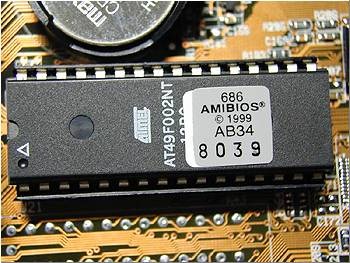
A Basic Input/Output System (BIOS) is an electronic set of instructions that a Personal Computer (PC) uses to successfully start up. It is located on a chip on the motherboard inside of a computer and is designed to be protected from disk failure. While it can be updated, this should be done carefully to avoid damaging the computer or leaving it unable to start up. Certain computer manufacturers, such as Apple™, use other systems like Open Firmware.
The Function of BIOS
One of the main functions of the BIOS is to give instructions for the Power-On Self Test (POST). This self test ensures that the computer has all of the necessary parts and functionality needed to successfully start itself, such as use of memory and a keyboard and other components. If errors are detected during the test, the computer gives a code that reveals the problem. Error codes are typically presented as a series of beeps heard shortly after start-up.
The BIOS also works to give the computer basic information about how to interact with some critical components, such as hard drives and memory, needed to load the Operating System (OS). Once the basic instructions have been loaded and the self-test has been passed, the computer can proceed with loading the OS from one of the attached drives. Functions and control over hardware within the computer are then handed over to the OS and it controls the system afterward.
How It Is Stored on a Computer
Traditional BIOS firmware is included on a computer motherboard as Read Only Memory (ROM). This means that the system is accessible but is not dynamically written to the way that a computer's hard drive is during operation. A battery on the motherboard keeps the data on it intact, even when the computer is turned off while not in use. the BIOS refers to the firmware on the motherboard while the CMOS is the physical location where the date and system configuration data are stored.
Many PC manufacturers today use flash-memory to hold this system, which allows users to more easily update it on computers. This can solve problems with the original BIOS or add new functionality to it.
Configuring and Controlling the BIOS
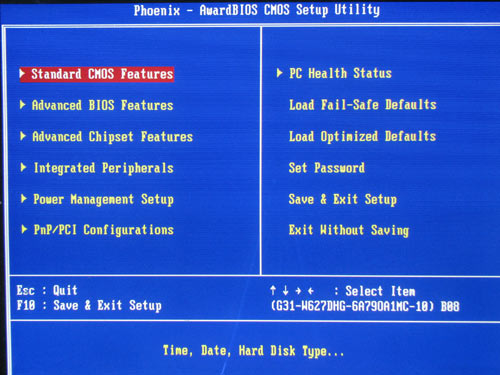
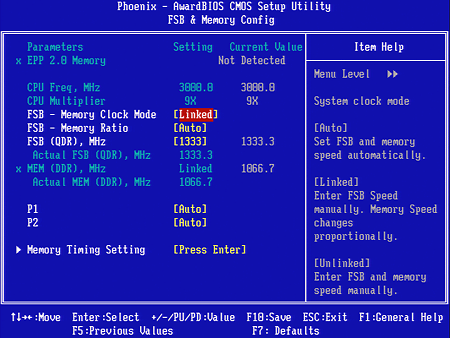
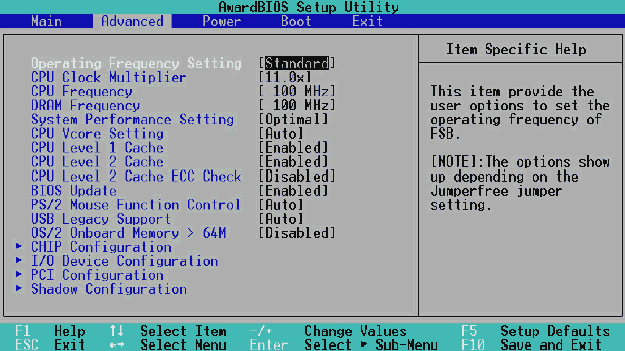
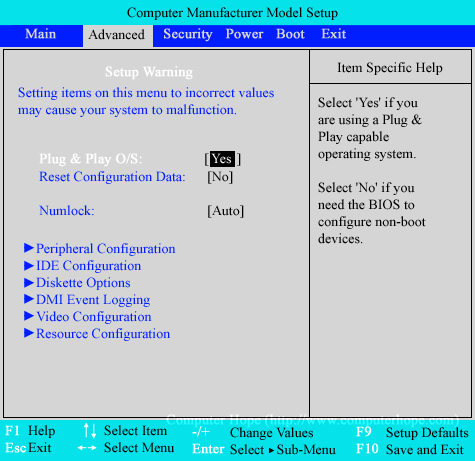
PC users can make certain adjustments to the system through a configuration screen on the computer. The setup screen is typically accessed with a special key sequence during the first moments of start up, often "Delete" or a Function key. This setup screen allows users to change the order in which drives are accessed during startup, monitor computer component temperatures, and control the functionality of a number of devices.
Sleep Away.mp3